
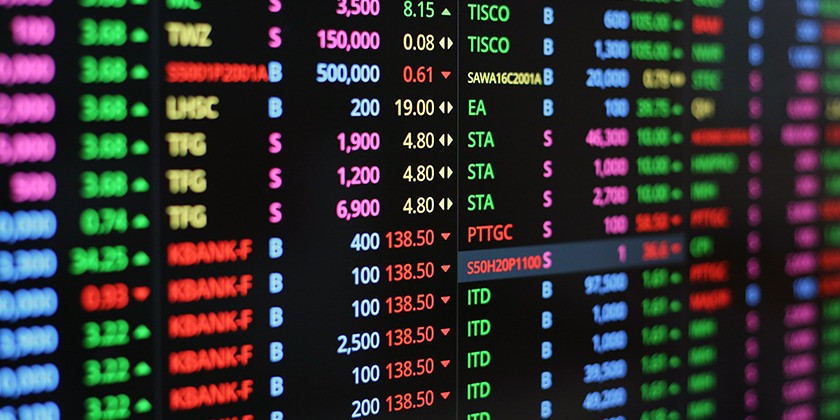

Buying shares through a phone or website involves a set of steps. A platform lets you view prices, place orders and check your holdings. The screen is only one part of the process. Account checks, fees, trade rules and records also shape how the service works.
When checking tools for Online Trading, it helps to look at what each platform does. A search for an “invest in stocks app” may show many choices. The points to check include the broker’s status, account terms, tools, costs and support.
- Check the Broker and App
A broker acts as a link between investors and a stock exchange. Check that the broker is registered with SEBI and belongs to the stock exchange you plan to use. Match the firm’s name and details with official records before you sign up or send funds.
SEBI’s investor website links to exchange lists of trading apps. These can help you check the app against the broker’s details. Use the provider’s official channels to reach its download page. A known name or logo is not proof that an app is genuine.
A trading account is used to place orders to buy or sell shares. A demat account holds shares in digital form. A bank account supports funds sent for trades. Each has a role, even when the platform brings them together on the same screen.
Opening an account involves Know Your Customer checks, known as KYC. The process requires proof of identity and address, and bank details. Read the form and terms before you agree. Keep copies of the forms and check that your phone number and email address are right.
The charge for a trade is not always limited to brokerage. Read the fee sheet for account charges, demat services and other costs that apply. Check which fees are fixed and which depend on the trade value. A fee claim in an advert may cover only one service.
For example, ten shares bought at ₹200 each have a trade value of ₹2,000. The sum paid can include fees and taxes. This shows the cost of shares. It does not show a gain. When checking fees, use the same trade size and account type to see how their charges apply.
An app may show price quotes, charts, watchlists and stock news. A watchlist groups the stocks you choose to track. A chart shows price changes over a set time frame. These tools show facts; they do not promise that a share will rise or that a trade will earn money.
Check for links to current company reports and news from the stock exchange. Read what a business does, how it earns money and the risks it lists. A change in price alone does not explain a firm’s health.
A market order seeks to trade at the price then on offer. Its fill price may not match the last price on screen. A limit order sets a price cap or floor. For a buy order, it sets the price ceiling, but it may not fill.
Say a share trades at ₹205 and you place a buy limit order at ₹200. The order cannot fill above ₹200. It may remain pending if no shares are on sale at that price or below. This shows why placing an order and a filled trade are not the same thing.
Before sending an order, review the stock name, exchange, quantity and order type. Then check the status and the number of shares filled. An order may fill in parts or remain open. The trade record shows what took place, while a pending order shows what has yet to be filled.
Keep contract notes, account statements and payment records. Check them against trade alerts and report trades you did not place. Check how to reach the help desk and raise an issue. SEBI asks investors to keep records. In a dispute, they can write to the broker or exchange to raise their case.
Use a strong password with two steps to verify access. Do not share login details or login codes. Keep your phone number up to date so alerts reach you. Check trades and funds and use official support channels if something looks wrong. These checks are part of using an app once it is set up.
Conclusion
To assess a trading app, check the broker, accounts, fees, tools and support. Learning how orders work helps explain what happens after a trade request. Records help you check what took place. An app gives access to the market. It does not control share prices or remove the risk of loss.